Nov
Why Is MagSafe or Qi2 Wireless Charging So Slow (or Hot)? Wattage, Case & Coil Fixes
Editorial transparency: Independent hardware guide. Direct store orders include free US tracked shipping and a 30-day warranty; external partner links may earn a commission at no extra cost to you.
Bought a “15W Fast Wireless Charger” only to wake up to a hot phone stuck at 80%—or watch your battery crawl upward by 10% an hour? Inductive wireless charging obeys strict electromagnetic coupling laws: even a 3-millimeter coil offset, a legacy USB-A wall cube, or a metal wallet ring cuts energy transfer efficiency from ~75% down below 50%, dumping the wasted watts straight into your phone’s glass backplate as heat.
5 Reasons Wireless Charging Slows to a Crawl (and How to Fix Each One)
1. Feeding a Wireless Pad From an Old USB-A / 5W–12W Wall Adapter
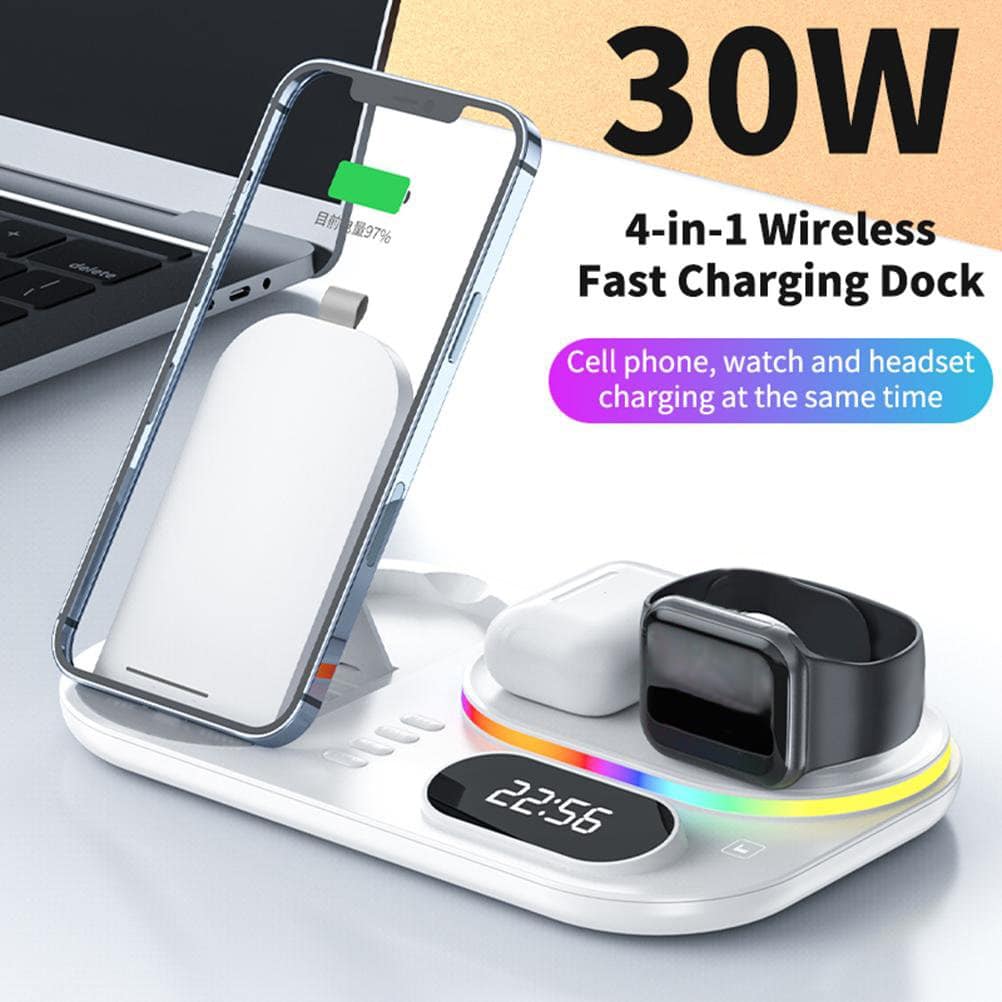
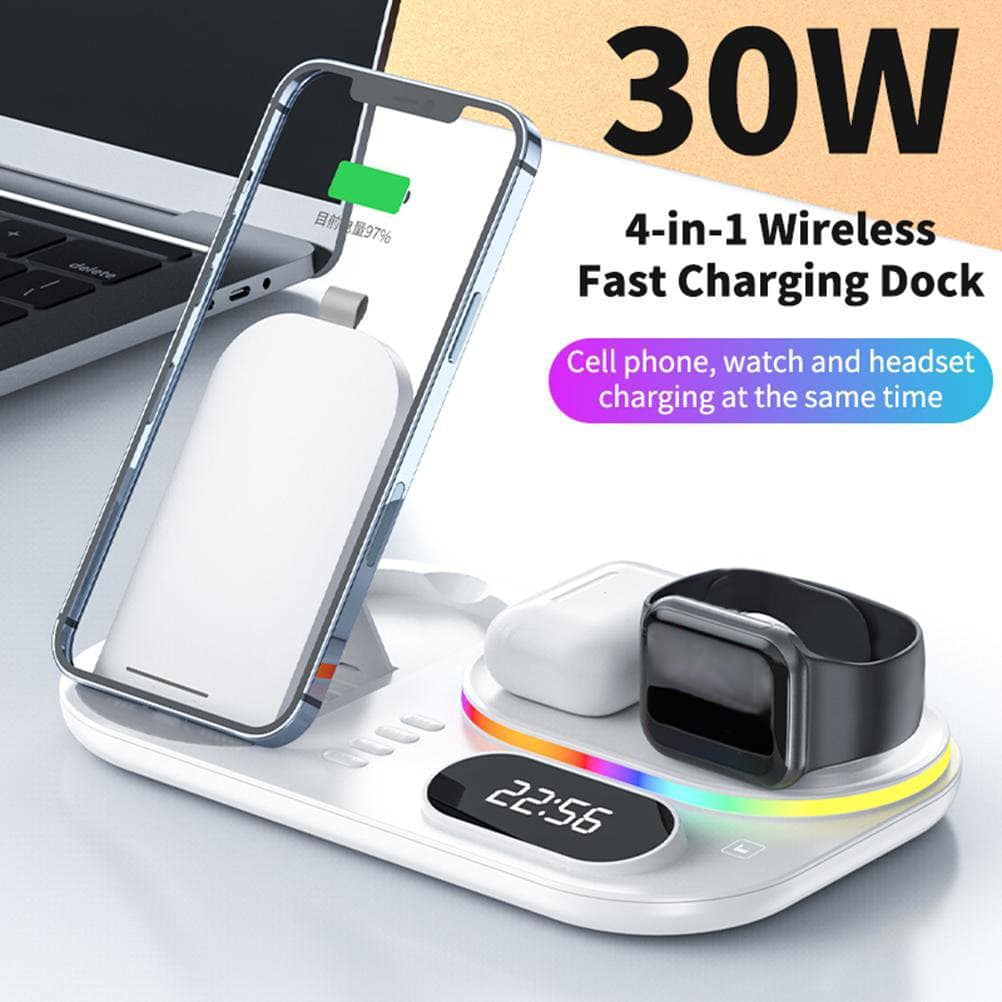
This is the #1 culprit behind slow nightstand docks. To output 15W magnetically at the coil after 25% inductive conversion loss, the wireless transmitter pad itself must draw 20W to 30W via USB-C Power Delivery (9V2.22A or 9V3A)—and multi-device 3-in-1 / 4-in-1 docks charging a phone, watch, and earbuds simultaneously require a true 25W–35W+ USB-C PD wall brick. Check your adapter chain in 10 seconds with our USB-C Wattage Bottleneck Analyzer.
2. “Qi-Compatible” vs. Certified Qi2 / MagSafe Firmware Caps (7.5W vs. 15W)
Many older flat magnetic pucks contain passive magnets around a standard Qi 1.2 coil. On iOS, uncertified Qi 1.x pads are software-limited to 7.5W (half speed), whereas certified Qi2 (Magnetic Power Profile) and official MagSafe modules unlock full 15W–25W high-frequency negotiation.
3. Non-Magnetic Thick Cases, PopSockets & Camera Bump Gap
Inductive power falls off rapidly with air gap distance. Modern Pro camera plateaus protrude 3.5mm–4.3mm from the phone chassis: laying a Pro phone on a wide flat pad props the top of the phone up into mid-air, creating a wedge air gap that roasts the battery! Raised circular magnetic stands—such as our 4-in-1 Vertical Magnetic Wireless Charging Dock—clear the camera bump completely while letting room air circulate behind the phone.
4. iOS / Android “Charging on Hold Due to Temperature” at 80%
Both iOS and OneUI/Pixel OS intentionally pause charging above 80% whenever battery cell thermistors exceed ~38°C–40°C—common if you stream TikTok/video, run wireless CarPlay GPS in direct windshield sunlight, or bury your phone under a pillow while charging. Using an air-vent mounted charger like a MagGrip cooling mount in the car prevents solar thermal throttling.
5. Optimized Battery Charging Schedules
If your phone stops cleanly at 80% overnight without feeling warm, check Settings > Battery > Charging: Optimized Charging holds lithium voltage below peak stress until an hour before your morning alarm.
Frequently Asked Questions
How thick can a phone case be for Qi2 and MagSafe wireless charging?
Stick to cases under 2.5mm–3.0mm thick that integrate a built-in array of N52 alignment magnets; cases thicker than 4mm without repeater magnets force high coil current and excess heat.
Is it dangerous to use adhesive stick-on metal plates with wireless chargers?
Solid steel plates built for old non-charging magnetic car mounts block magnetic flux and heat up rapidly via eddy currents—never place a solid metal plate over your phone’s center coil! Only use open-ring MagSafe magnet rings positioned strictly outside the charging coil circumference.
Does Qi2 work on Android phones too?
Yes—Qi2 is an open Wireless Power Consortium (WPC) global standard; any Android phone with native Qi2 or a magnetic MagSafe-ring case aligns cleanly onto Qi2 stands.
Why does wireless charging yield fewer charges from a power bank?
Because inductive coils lose ~35%–38% energy vs. ~18% over a short USB-C cord—test exact wireless vs. wired charges in our Power Bank Real Capacity Calculator.
Related reviews