05
Aug
Aug
USB4 vs Thunderbolt 4 explained: both hit 40Gbps over USB-C, but Thunderbolt 4 guarantees stricter minimums. Here’s how they differ and when it matters.

USB4 vs Thunderbolt 4 explained: both hit 40Gbps over USB-C, but Thunderbolt 4 guarantees stricter minimums. Here’s how they differ and when it matters.

GaN chargers explained: what gallium nitride does, why GaN chargers are so small, and how many watts you need for phones, tablets, and laptops.

OLED vs Mini-LED vs QLED explained: how each panel makes light, real pros and cons, and which display tech is best for movies, gaming, and bright rooms.

A good power bank is the cheapest insurance against a dead phone. Whether you want a pocketable everyday top-up or a 30,000mAh brick for a weekend away, here are our favorites — all with fast USB-C charging and quick US shipping. 10,000mAh Portable — Best Everyday Carry10,000mAh is the sweet spot: one to two full…

A mechanical keyboard is one of the cheapest upgrades that makes daily typing and gaming genuinely more satisfying. From a compact 61-key board to a magnetic-switch gaming deck and a premium aluminum build, here are our picks. NC61 Magnetic — Best for GamingA 61-key board with magnetic (Hall-effect) switches for adjustable actuation and fast, precise…

Chargers and power banks are sold on a jumble of numbers — mAh, watts, “PD”, “GaN” — that sound technical but rarely get explained. Understanding four of them is enough to stop overpaying, stop charging slowly, and stop being surprised when a “10,000 mAh” bank doesn’t fully charge your phone three times. mAh measures a…

Buying an SSD used to be simple: pick a capacity. Now the listings bristle with SATA, NVMe, M.2, “Gen 4”, DRAM-less, and TBW, and two drives at the same price and size can differ in speed by a factor of ten. Here’s what each term means and which ones should actually steer your purchase. SATA…

Every new router box shouts a Wi-Fi generation at you, and the numbers keep climbing faster than most homes can use them. Wi-Fi 6 is still excellent for the vast majority of people, and Wi-Fi 7 is genuinely a leap in a few specific situations. The trick is knowing which of those situations is yours…

A spec sheet for a monitor, TV, or phone screen reads like a wall of numbers competing to sound impressive. Only a few of them change how the screen feels in daily use, and which few depends entirely on what you do with it. Here’s how to read the sheet and spend your money where…

HDMI version numbers have quietly become one of the most confusing corners of home tech, partly because the same port shape covers wildly different capabilities and partly because cable labelling is a mess. Most people need less than the marketing implies — but the people who need HDMI 2.1 really do need it, and a…

Overview of AR Glasses for Design and Architecture The world of design and architecture is undergoing a significant transformation with the advent of augmented reality (AR) glasses. These devices allow professionals to visualize and interact with 3D models in real-world settings, offering unprecedented precision and versatility. In this guide, we’ll explore the top AR glasses…
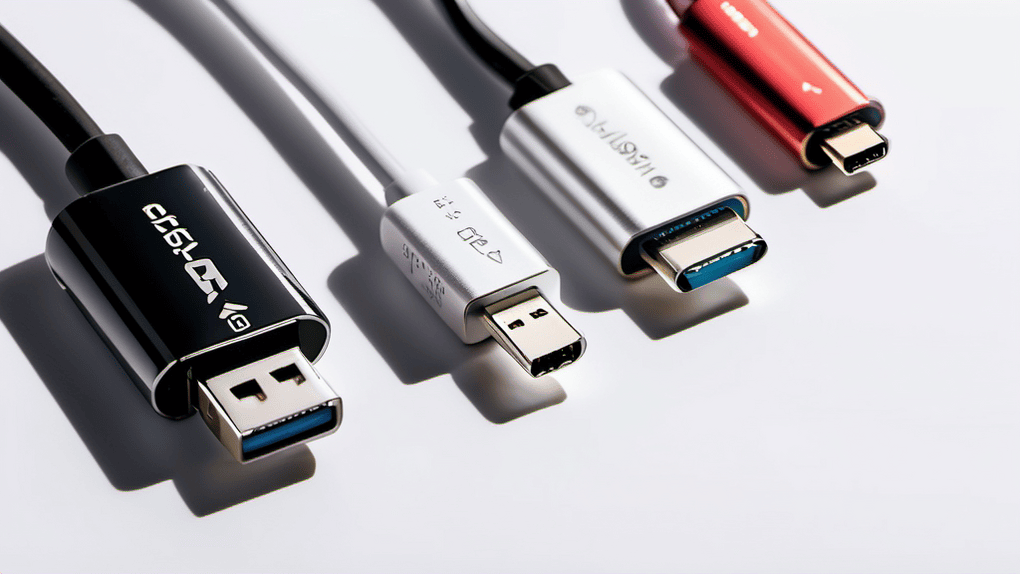
The single most useful thing to understand about USB-C is that the connector tells you almost nothing about what the port or cable can do. That oval, reversible plug is just a shape. Two cables that look identical, fit the same hole, and came in the same drawer can behave completely differently: one charges your…